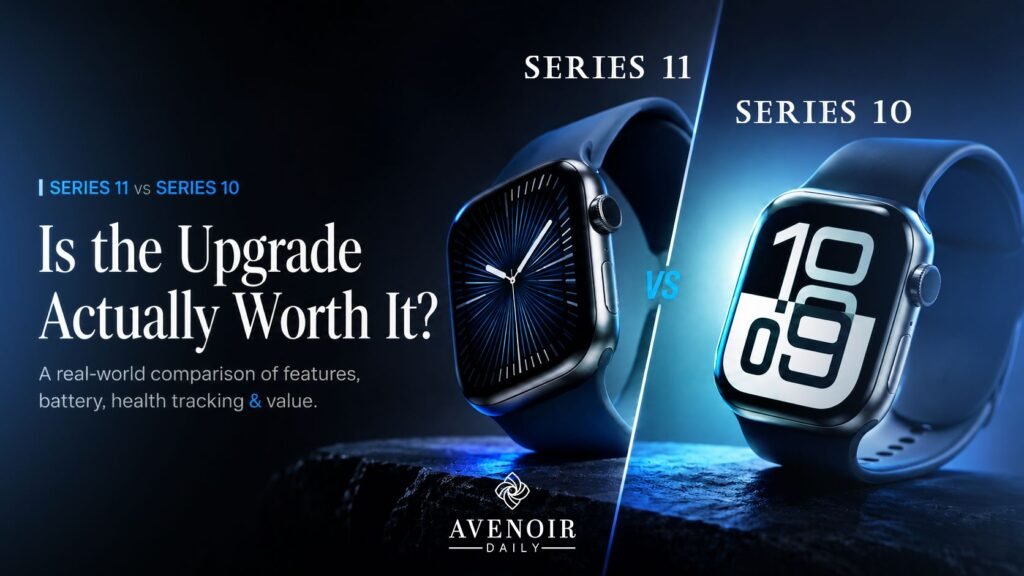
Apple Watch 11 vs 10 upgrade decision made simple. If you already own a Series 10, is Series 11 actually worth the money, or is this just another spec sheet dressed up as a must-have? Upgrade cycles are designed to make you second-guess a perfectly good device. You don’t need to read ten conflicting reviews to figure this out. Here’s the plain version: what’s actually different, who it matters to, and who should keep their money.
Table of Contents
1. What’s Actually New in Series 11
Both watches share the same 46mm and 42mm aluminum and titanium cases and the same S10 chip, so this isn’t a redesign. The real changes are underneath: a new hypertension detection algorithm, a sleep score, refined sleep apnea notifications, a brighter Always-On Retina display rated up to 2000 nits, 5G on cellular models, and longer battery life. None of it is flashy. A couple of these changes genuinely affect how the watch fits into your day, and that’s the only thing worth comparing here.
2. Hypertension Notifications: The Headline Difference
This is the headline feature, and it’s the one Series 10 doesn’t have at all. Series 11 tracks how your blood vessels respond to your heartbeat over rolling 30-day windows and flags patterns associated with chronic high blood pressure, a condition that affects over 1.3 billion adults worldwide and often goes unnoticed until it’s serious. Worth being clear about: this is a notification, not a diagnosis, and any alert is worth following up on with an actual doctor. Still, it’s a genuinely new capability, and for a lot of people it’s reason enough on its own to upgrade. We go deep on how accurate it actually is in our Apple Watch Series 11 hypertension notifications breakdown.
3. Battery Life: 24 Hours vs 18 Hours
Series 10 is rated for up to 18 hours of normal use; Series 11 pushes that to 24, plus up to 38 hours in Low Power Mode and 8 hours of use from a 15-minute fast charge. This is the upgrade that actually removes a daily decision: wear it overnight for sleep tracking, or make sure it survives a full day of meetings and workouts. With Series 11 you stop having to choose. We tested the real-world claim ourselves in Apple Watch Series 11 battery life: real-world test of the 24-hour claim.
For comparison, Whoop went through a similar battery-focused jump between its 4.0 and 5.0 generations, which we cover in Whoop 5.0 vs Whoop 4.0: Is the Upgrade Actually Worth It? if you want a reference point for how much battery gains tend to matter day to day.
4. Display, Chip and Everyday Speed
Same chip, so app speed and everyday performance feel identical. The difference is brightness: Series 11’s display holds up better at extreme angles and up to 2000 nits outdoors. If your Series 10 already reads fine in daylight, this alone isn’t worth chasing.
5. 5G Cellular: Do You Actually Need It?
Series 11 swaps LTE for 5G on cellular models, meaning better coverage in weak-signal areas and faster downloads when your phone isn’t nearby. If you rarely use cellular on your watch, skip this consideration entirely; it won’t touch your day-to-day experience either way.
6. Price and Value Compared to Series 10
Series 11 starts at $399, the same launch price Series 10 had. You’re getting hypertension notifications, a brighter display, longer battery, and 5G for zero extra cost over what Series 10 originally charged. If you’re weighing a completely different ecosystem instead, our Apple vs. Garmin Watch comparison and Whoop 5.0 buying guide cover that decision without the brand loyalty noise.
7. Where to Buy Apple Watch Series 11
If the health features and battery life have made the decision for you, buy from a retailer that offers full warranty coverage.
(Note: Using this link may support our work with a small commission at no extra cost to you.)
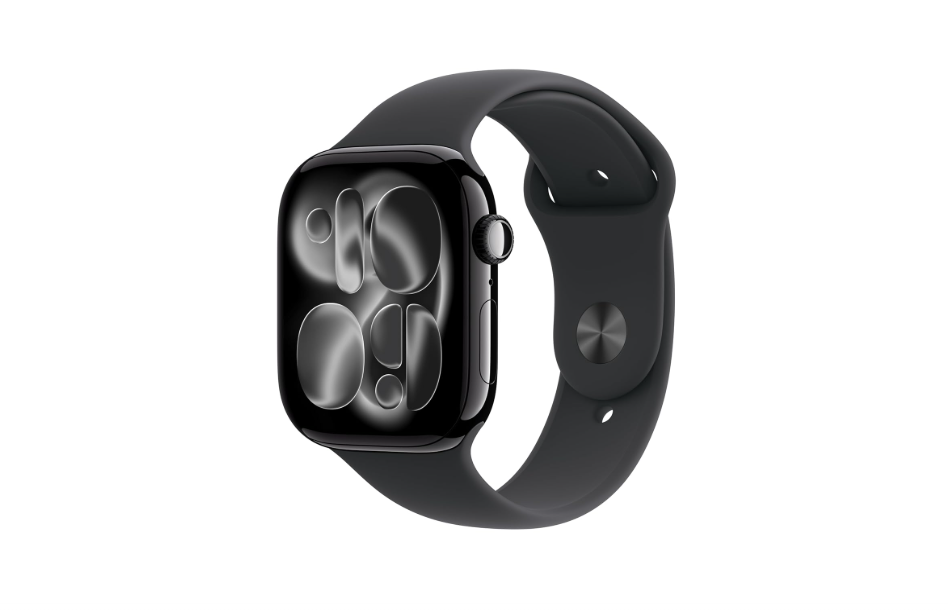
Apple Watch Series 11 GPS 46mm Jet Black Aluminium Case with Black Sport Band
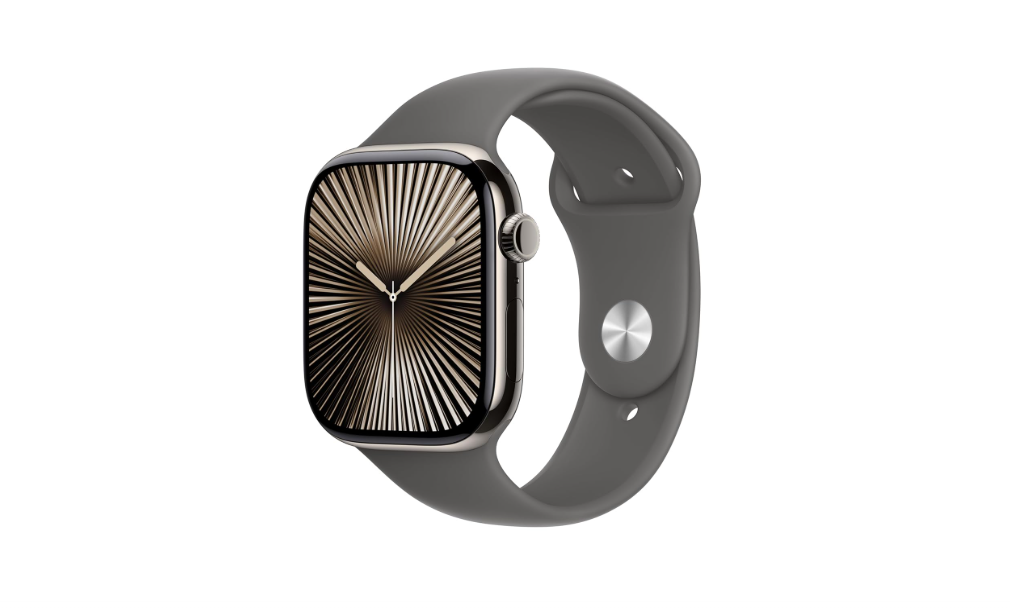
pple Watch Series 10 [GPS + Cellular 46 mm] Smartwatch with Natural Titanium Case with Stone Grey Sport Band
The Bottom Line
If you’re on a Series 9 or older, this is an easy upgrade. If you own a Series 10, it comes down to two things: how much you value proactive hypertension alerts, and whether an extra six hours of battery solves a real daily annoyance for you. If neither matters much, keeping your Series 10 and skipping this cycle is a perfectly reasonable call, not a missed opportunity. Read more on Apple’s official Series 11 page for the full spec sheet.
Apple Watch Series 11 vs Series 10: Frequently Asked Questions
Is Apple Watch Series 11 a big upgrade from Series 10?
In the Apple Watch Series 11 vs Series 10 story, it is an incremental upgrade focused on health features, battery life, display brightness, and 5G, rather than a full redesign.
Does Series 10 get hypertension notifications through a software update?
No, hypertension notifications require the Series 11 hardware and are not available on Series 10 even after a watchOS update.
How much longer does Series 11 last on a charge than Series 10?
Series 11 is rated for up to 24 hours of normal use compared to up to 18 hours on Series 10, plus longer Low Power Mode runtime.
Is the 5G upgrade worth it if I rarely use cellular?
Not really. The main benefits are better coverage and faster downloads, which only matter if you frequently leave your iPhone at home.
Did the price increase for Series 11?
No, Series 11 starts at $399, the same starting price Series 10 launched at.
Apple Watch Series 11 vs Series 10: which one should you actually buy?
If proactive health alerts and longer battery life matter most to you, choose Series 11. If you already own a Series 10 and rarely use cellular, saving your money and skipping this cycle is the smarter move.
Also read:
- Apple Watch 11 vs 10: Skip the Upgrade Guesswork
 Apple Watch 11 vs 10 upgrade decision made simple. If you already own a Series 10, is Series 11 actually worth the… Read more: Apple Watch 11 vs 10: Skip the Upgrade Guesswork
 - Apple Watch Series 11 vs Whoop 5.0: Which Wearable Actually Wins for Health Tracking?Comparing two wearables that both claim to be the smartest thing for your wrist is exactly the kind of decision that eats… Read more: Apple Watch Series 11 vs Whoop 5.0: Which Wearable Actually Wins for Health Tracking?
- Whoop 5.0 Sleep and Recovery Accuracy: How Reliable Is the Data?If a wearable tells you that you slept for 7 hours and 12 minutes, how do you actually know that number is… Read more: Whoop 5.0 Sleep and Recovery Accuracy: How Reliable Is the Data?
- Whoop 5.0 for Runners and Athletes: Real-World Performance ReviewCan a screenless wearable actually keep up with interval sprints, long runs, and heavy lifting days, or does it only work for… Read more: Whoop 5.0 for Runners and Athletes: Real-World Performance Review